
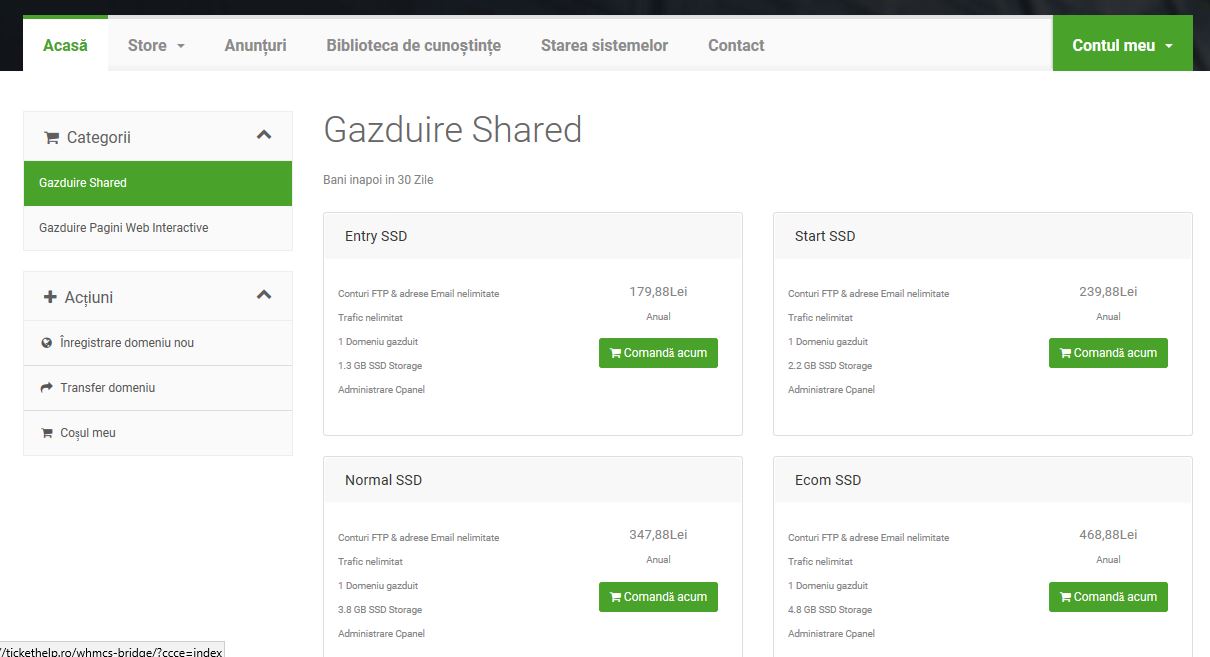
To generate and configure a new hosting package automatically, access the Client Portal and follow these steps:
- Navigate to Services → Order New Services in the client menu.
- Select your desired NVMe hosting package (WebHelp, Ecommerce, NextCloud, or Organization).
- Specify your domain name (register new, transfer existing, or use your own nameservers).
- Choose your billing cycle (a
ual billing includes free months and promotional domain registration). - Confirm your order. Upon payment completion, the provisioning system automatically sets up your cPanel/DirectAdmin account and emails your login credentials instantly.